How rewards work
What happens when a card is full: reward coupons, how long they last, new cards and wallet updates.
Every loyalty card comes with a reward: the thing customers earn when their card is full. Here's exactly what happens on that last stamp, and the options that control it.
Rewards are sent automatically
The moment a card is filled, Qupons emails the customer a reward coupon, with its own QR code and wallet passes. They scan it like any other Qupon on their next visit. Nobody at the till has to remember anything, and the app shows you straight away that the card is full and the reward is on its way.
How long the reward lasts
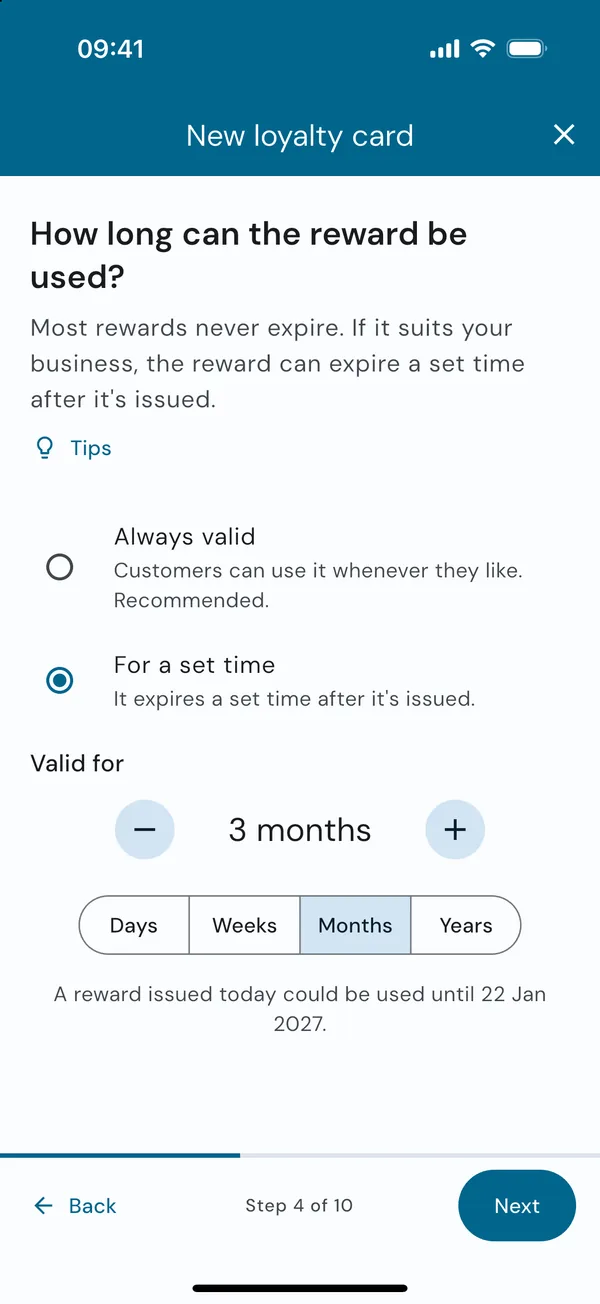
You choose this on the How long can the reward be used? page when you create a loyalty card.
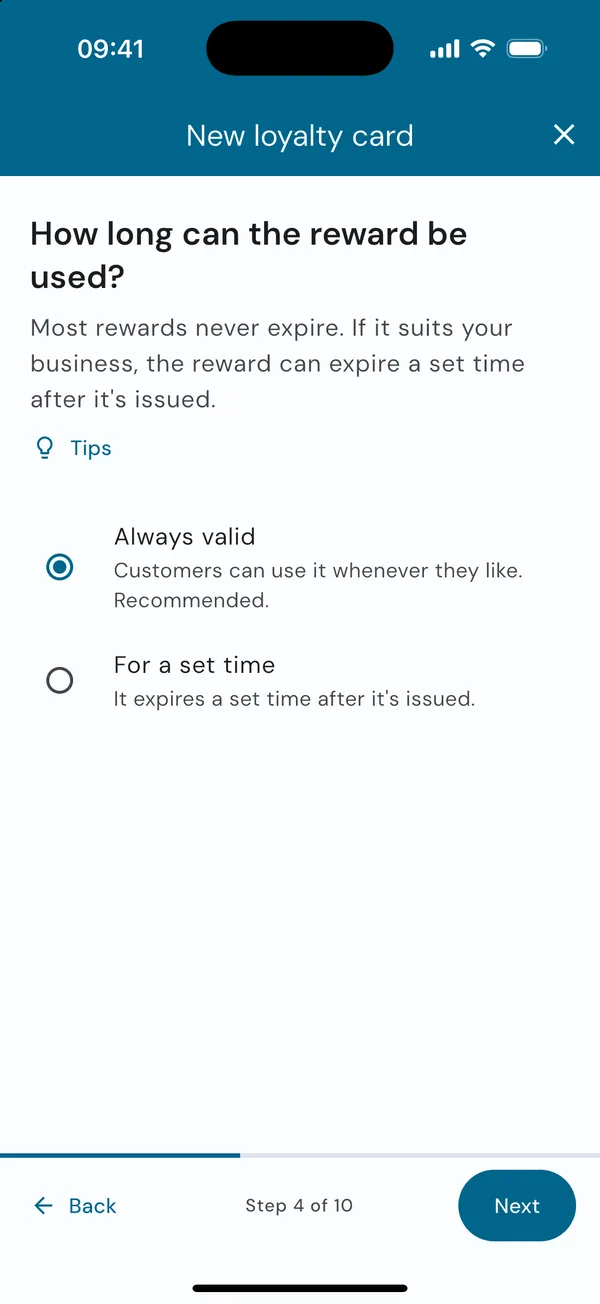
- Always valid (recommended): customers can use it whenever they like. Nobody feels rushed, and your staff have nothing to check.
- For a set time: the reward expires a number of days, weeks, months or years after it's issued. Be generous, such as 3 months.
A reward with an expiry date shows it in the customer's wallet, and Qupons emails them a reminder: a week before it expires if it lasts more than 2 weeks, and the day before if it lasts more than 2 days. The loyalty card itself never expires, so stamps are never lost.
Start a new card when one is full
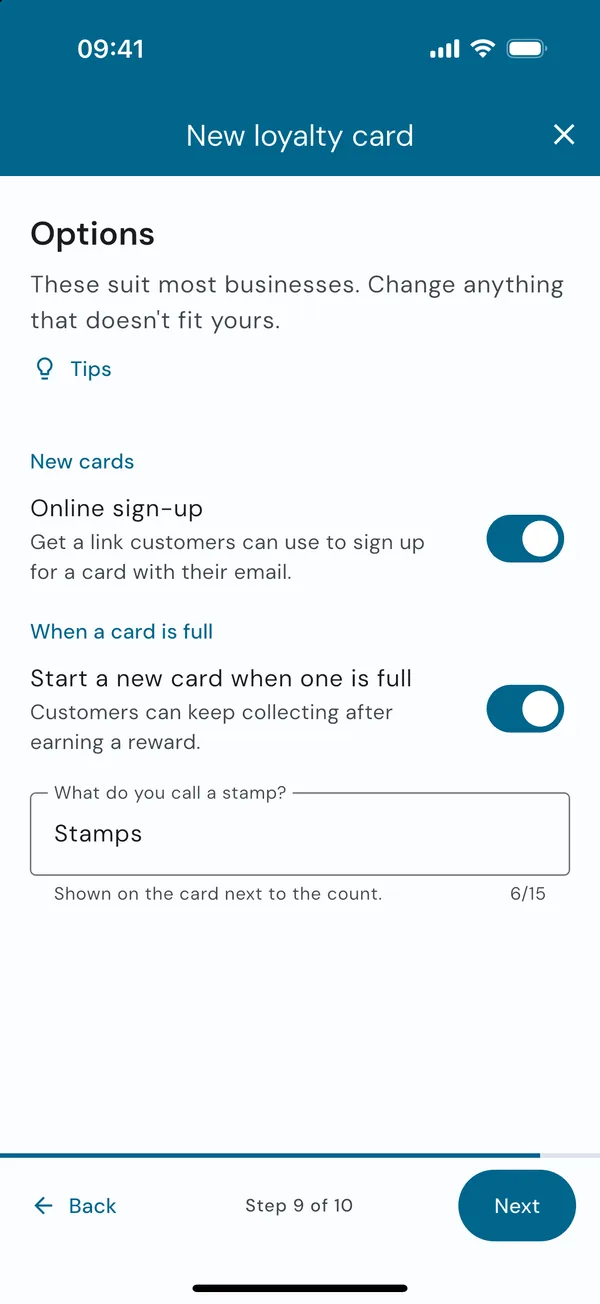
On (the default): the stamp count goes back to zero after the card is filled, so the next visit is the first stamp on a new card. The customer keeps the same QR code and wallet pass.
Off: a full card is marked Complete and can't be stamped again, which suits a one-off promotion. The reward is still sent.
You set this on the Options page when you create the card. To change it later, open the card in the Qupons tab and use Availability. See Pause, change or end an offer.
The reward coupon
When you create a loyalty card, Qupons creates its reward coupon at the same time. It appears as its own entry in the Qupons tab, named after the reward, e.g. "A free hot drink of your choice". Reward coupons:
- can be used once, then their wallet pass expires,
- look the same as your loyalty card, unless you turned off Match the loyalty card's design and gave the reward its own,
- are labelled Loyalty reward in the Qupons tab. Tap the label to open its loyalty card, or tap Reward on the loyalty card's page to open the reward,
- show up in your statistics like any other Qupon, so you can see how many rewards are claimed.
Tip: you can also send a reward coupon to any customer as a thank-you or an apology. Open it in the Qupons tab and use Distribute by Email.
Seeing who's close to a reward
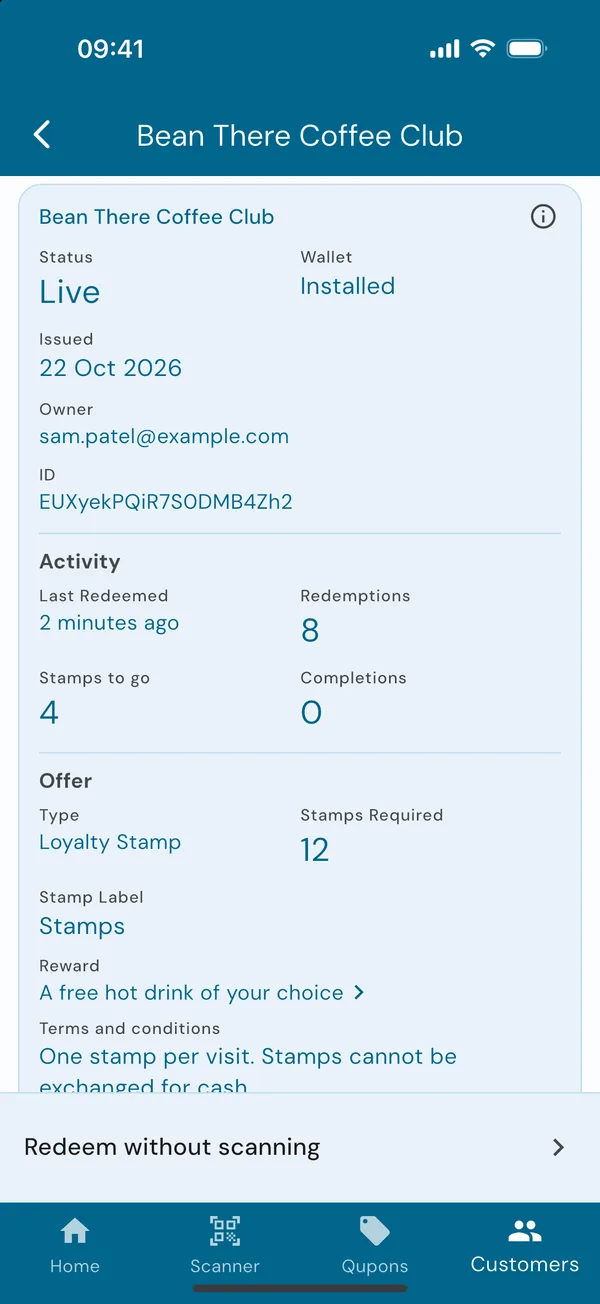
Open the loyalty card in the Qupons tab and scroll to Most redeemed Qupons to see your most frequent customers. Tap one to see their card: Stamps to go is how many stamps they still need, and Completions is how many full cards they've earned.
In this example Sam has 8 stamps on a 12-stamp card, so 4 to go before their free drink.